

Published: 20 August 2026. Last updated: 20 August 2026.
Quick answer
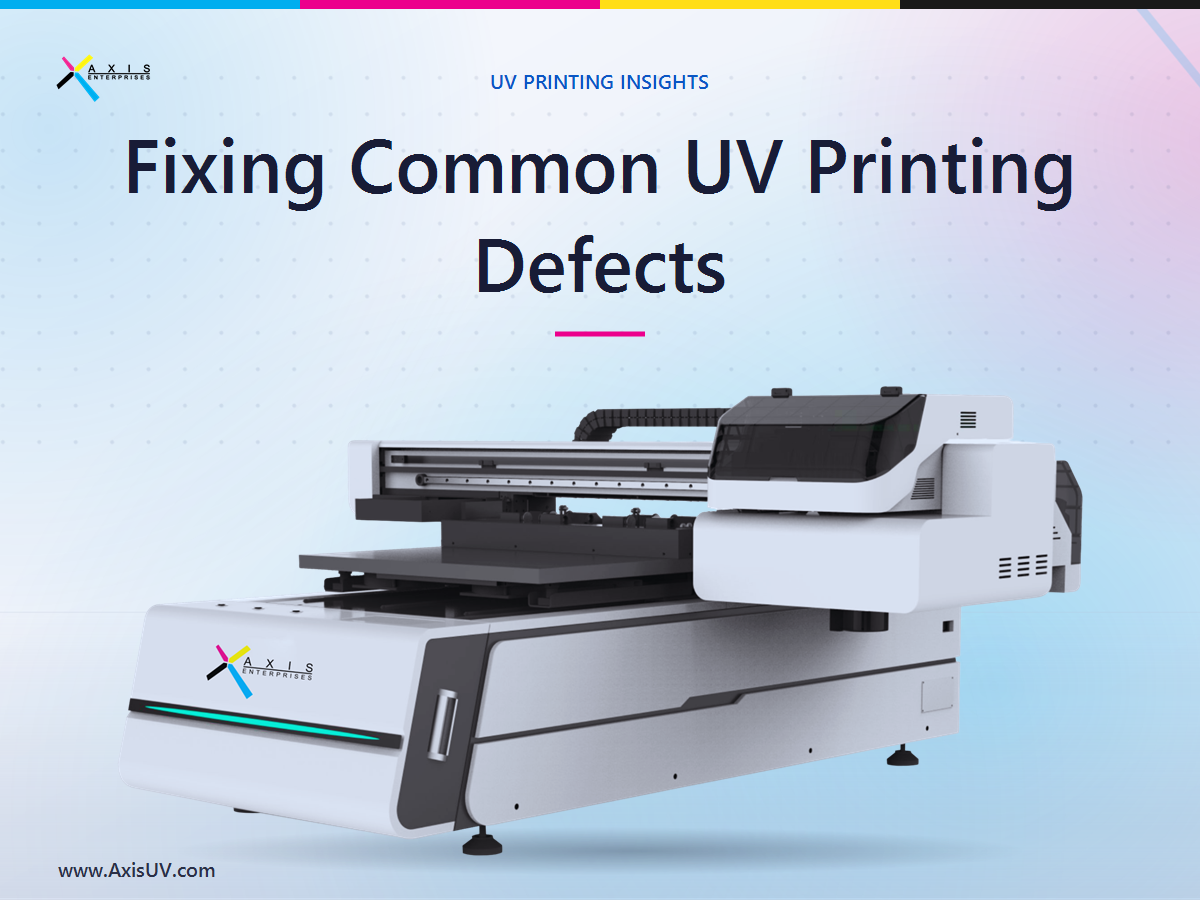
UV printing defects usually come from a few controllable causes: an unstable print head, incorrect ink density or curing settings, poor surface preparation, or a color profile that does not match the material. Banding points to head or feed issues. Orange peel and patchy gloss point to curing and ink-layer problems. Poor adhesion points to surface energy and priming. Color shifts point to profile and calibration gaps. Most defects are fixable in-house once you diagnose the real cause, and the biggest long-term fix is buying a machine that holds its settings job after job. This guide walks through each defect, its likely cause, and a practical fix.
Why do UV prints develop visible defects?
Almost every UV print defect traces back to one of four variables: the print head, the ink layer, the curing energy, or the substrate surface. When any one drifts, the eye sees banding, texture, dull patches, or peeling. The technology itself is mature and growing fast, so the problem is rarely the method and almost always the setup.
Demand is climbing across every category that UV printers serve. According to The Business Research Company, the global inkjet printing UV segment was valued at about USD 60.09 billion in 2025 and is projected to reach USD 92.82 billion by 2030, a compound annual growth rate near 8.9 percent. In India specifically, Mordor Intelligence sizes the UV inkjet printer market at about USD 80.76 million in 2025, with UV-curable inks advancing near 5.72 percent a year. As more shops adopt the technology, print quality becomes the line that separates a shop that keeps clients from one that keeps reprinting.
What do print defects actually cost a small shop?
Print defects are not a cosmetic nuisance. They are a direct hit to margin, because every reprint burns ink, media, machine hours, and delivery time you cannot bill for. In a small shop that runs tight, a single rejected batch can wipe out the profit on the whole order.
The scale of that leak is well documented in manufacturing. The Institute of Industrial and Systems Engineers reports that the cost of poor quality in manufacturing companies averages around 15 percent of sales, and can range from 5 percent to 35 percent. Research summarized by APQC in Supply and Demand Chain Executive found that top performers spend only 0.6 percent of sales on scrap and rework, while weaker performers spend 2.2 percent, nearly four times more.
For an Indian print business, translate that into rupees. If defects and reprints quietly consume even 3 percent of a ₹50 lakh annual turnover, that is ₹1.5 lakh gone before you count the lost repeat orders. That is money the business earned and then threw away, and it is recoverable.
This matters to a large and growing base of buyers. The Press Information Bureau reports over 7.83 crore enterprises registered on the Udyam portal as of February 2026, many of them small manufacturers and print-service providers. Their end markets are expanding too: the India Brand Equity Foundation valued India’s packaging industry at about USD 84 billion in 2024, projected to reach USD 143 billion by 2029. In a market that large, consistent print quality is a competitive edge, not a nicety.
What are the most common UV printing defects and their causes?
Most quality complaints fall into five repeatable defects. Each has a small set of likely causes, which is good news, because it means each has a small set of fixes. The table below maps the defect to its usual cause and the first fix to try.
How do you fix banding in UV prints?
Start with the print head, because banding is a nozzle and motion problem far more often than an ink problem. Run a nozzle check pattern first. If nozzles are dropping out, run a cleaning cycle, and if the pattern still fails, the head may need deeper servicing or replacement.
If the nozzles are firing cleanly and banding persists, look at motion and feed. Recalibrate the feed or step settings so the media advances by exactly the right distance on each pass, and confirm the gantry moves smoothly without vibration. A well-built machine holds this calibration for months, while a poorly built one drifts within days.
How do you fix orange peel and uneven gloss?
Orange peel is a curing and ink-volume problem. UV ink cures the instant it meets the lamp, so if the surface hardens before it can level out, you get that dimpled texture. This is why UV curing settings matter as much as the ink itself.
The practical fix is to reduce ink density in the profile and slow the effective cure so the layer settles before it locks. Tune lamp power and the number of passes together rather than one at a time. For gloss inconsistency, level the varnish layer and confirm the curing lamp delivers even energy across the full print width, since weak spots at the edges cause dull patches.
How do you fix poor ink adhesion?
Poor adhesion is almost always a surface problem, not an ink problem. UV ink needs enough surface energy to grip, and many materials such as glass, metal, and some plastics are naturally low-energy or arrive with an invisible film of oil or dust. Good adhesion starts before a single drop is printed.
Clean the substrate thoroughly, then apply the primer matched to that material family. Test with a simple tape-pull or scratch check on a scrap piece before running the full job. If adhesion still fails on a difficult surface, confirm your ink and primer are actually rated for it, because no setting can compensate for the wrong consumable.
How do you fix color inaccuracy and batch-to-batch shifts?
Color problems are usually a profile and calibration issue rather than a hardware fault. If prints do not match the file, or if the same file drifts between batches, the machine is printing to the wrong reference. Reliable output depends on disciplined color management.
Rebuild the color profile for the exact material and ink set you are using, then calibrate the printer so it hits that profile consistently. Recalibrate on a schedule, not only when a client complains. Machines with stable heads and consistent ink delivery hold color far longer between calibrations, which is why hardware quality quietly decides how much color firefighting you do.
What should smart buyers look for in a UV printer to avoid defects?
The fastest way to reduce defects is to stop buying them in. Many recurring quality problems are built into cheap or mismatched machines, and no amount of operator skill fully overcomes weak hardware. When evaluating any UV printer, judge it against criteria that predict consistency, not just the sticker price.
- Print head stability: reputable heads that hold calibration and resist clogging, since the head decides banding and color drift.
- Even, controllable curing: lamps that deliver uniform energy across the full width, with adjustable power and passes to prevent orange peel.
- Proper ink and primer ecosystem: inks and primers rated for the materials you actually print, so adhesion is designed in.
- Real color management support: profiling and calibration workflow, not a black box you cannot adjust.
- Serviceable build and local support: a machine you can maintain quickly, with spares and trained help nearby, so small issues do not become long downtime.
- Honest total cost: weigh ink, maintenance, and downtime, not only the purchase price, and factor Goods and Services Tax (India) and running costs into the real number.
A better way forward
Once you see defects as hardware and setup problems rather than bad luck, the buying decision changes. The goal is a machine that holds its calibration, cures evenly, and is backed by people who can help when a substrate misbehaves. That is exactly the gap Axis Enterprises built its range to fill.
At uvprinterindia.com you can explore UV printing machines built for consistent, repeatable output across the materials Indian shops print every day. If you are unsure which configuration suits your substrates and volumes, you can talk to the Axis Enterprises team about your specific materials and get a straight answer on head type, curing, and priming for your work. For businesses upgrading from an unreliable unit, it helps to compare the current UV printer range and running costs before committing.
Next step
If reprints and quality complaints are eating into your margin, the smartest move is to fix the root cause at the machine level. Book a free UV Printing Machine Buying Consultation at uvprinterindia.com, share the materials and volumes you print, and get a clear, no-pressure recommendation on the setup that will hold quality job after job.
Frequently asked questions
Why does my UV printer show horizontal lines?
Horizontal lines, or banding, are most often caused by clogged or misfiring print head nozzles, or by inconsistent media feed. Run a nozzle check and cleaning first, then recalibrate the feed steps. If the machine bands again within days of calibration, the underlying hardware is likely unstable.
How do I stop UV ink from peeling off glass or metal?
Peeling on glass and metal is an adhesion problem caused by low surface energy or contamination. Clean the surface completely, apply a primer matched to that material, and confirm your ink is rated for it. Always test adhesion on a scrap piece with a tape-pull before running the full job.
Is orange peel texture a defect or a design choice?
Orange peel can be a deliberate texture effect, but unwanted orange peel is a defect caused by curing the ink too fast or laying it too thick. To remove it, reduce ink density and tune lamp power and passes so the layer levels before it cures. Keep a saved profile once you find the right balance.
How often should I calibrate a UV printer for color accuracy?
Calibrate on a regular schedule rather than waiting for complaints, and always rebuild the profile when you change materials or ink sets. A stable machine holds color for weeks between calibrations, while a weak one drifts quickly. Frequent, unexplained color shifts usually signal a hardware or ink-delivery issue.
Are print defects really worth worrying about for a small shop?
Yes, because defects convert directly into lost margin. The Institute of Industrial and Systems Engineers puts the cost of poor quality at around 15 percent of sales on average, and reprints in a small shop consume ink, media, and machine time you cannot bill. Reducing defects is one of the cleanest ways to protect profit.
Sources
- The Business Research Company, UV Inkjet Printing Global Market Report
- Mordor Intelligence, India Inkjet Printer Market
- India Brand Equity Foundation (IBEF), Paper and Packaging Industry
- Institute of Industrial and Systems Engineers, Measuring the Cost of Quality
- APQC via Supply and Demand Chain Executive, Reduce Scrap and Rework Costs
- Press Information Bureau, Ministry of Micro, Small and Medium Enterprises, Udyam Registration Data